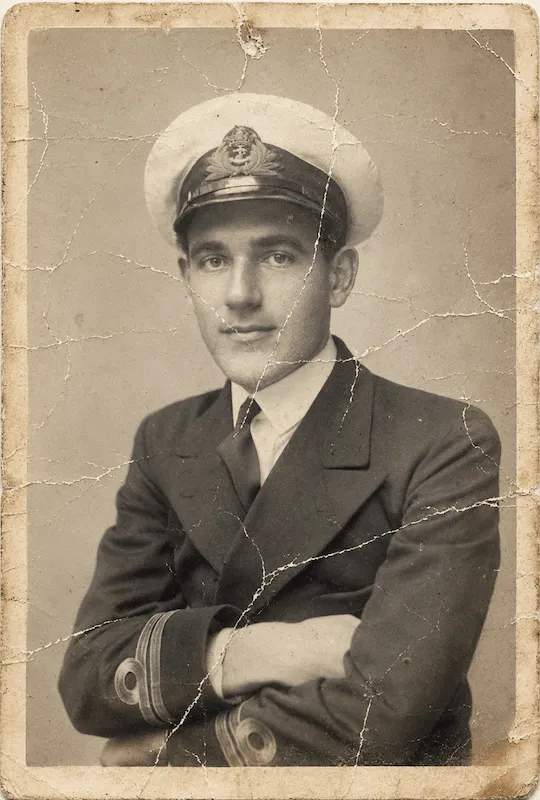
 01
01Yesterday, a little closer.
Faded portraits, familiar expressions, and all the stories tucked inside an album.
A thoughtful home for your photographs. Discover little ways to bring clarity to everyday moments, new life to old favorites, and color to the stories you keep.
Explore the possibilities Try the browser demo ↗Your photos stay on your device.
Made for your memories. Not another complicated editing app.
From a family keepsake to a view you never forgot. Explore the kinds of moments Dearframe is being made for.
01Faded portraits, familiar expressions, and all the stories tucked inside an album.
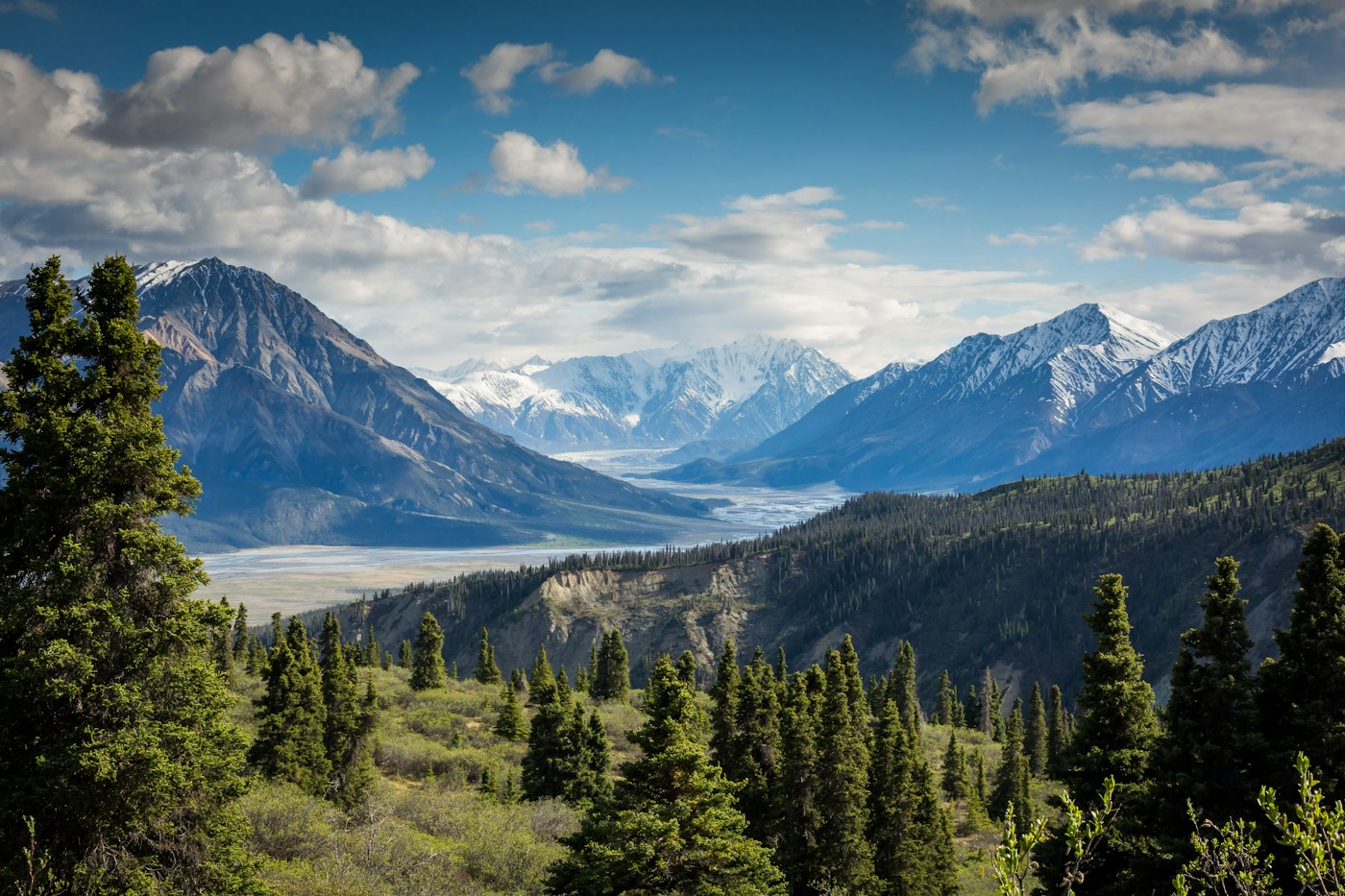 02
02The faraway mountains. The afternoon light. The details that made you stop and look.
 03
03Petals, textures, and tiny everyday things that deserve a second look.
Visual studies, not AI restoration results. These images illustrate our product direction.
Meet nine ideas for better-looking photos. Find the right starting point for the image you have in mind.
01FEATURE PREVIEWMake the little details stand out.
For soft edges in landscapes, objects, and everyday photos. The planned tool focuses on edge definition while keeping texture natural.
02FEATURE PREVIEWA softer finish, without losing character.
For photos that need a lighter touch: subtle tonal balance and surface refinement, with control over the final look.
03FEATURE PREVIEWLet a familiar face take the spotlight.
For existing facial detail that looks dull or unevenly lit. The intended focus is light and definition, rather than rebuilding a face.
04FEATURE PREVIEWExplore a clearer-looking photo.
For general softness or missed focus. Dedicated deblurring would need AI processing and cannot guarantee recovery of missing details.
05FEATURE PREVIEWBring a distant view a little closer.
For landscapes with a washed-out veil. The planned treatment balances contrast and color while preserving the atmosphere.
06FEATURE PREVIEWFor moments that didn’t stand still.
For directional blur from movement or camera shake. This is a separate planned capability, not the same as ordinary sharpening.
07FEATURE PREVIEWGive an old favorite a new chapter.
For aged prints, fading, and small marks. Damage repair is not implemented in this demo; the local vintage option changes tones only.
08FEATURE PREVIEWImagine a different shade of yesterday.
A planned creative interpretation of black-and-white photos. Generated colors would be a suggestion, not a record of historical colors.
09FEATURE PREVIEWA careful approach to faded expressions.
For facial details lost in old or very low-resolution images. Reconstruction can change identity cues, so this planned tool would need close comparison with the original.
A look at what’s taking shape. These nine tools are presentation previews; dedicated AI processing is not available yet. The optional browser demo below explores tone and size only.
Explore the local demo ↗A thoughtful touch for the photos you wouldn’t trade for anything.
A brighter look for quiet mornings, spontaneous smiles, and everything in between.
Explore a gentle tonal finish for the portraits and moments passed down to you.
Resize a favorite photo for your next little project. Keep the original, too.
We believe a better photo should feel familiar. Dearframe is being designed around gentle choices, visible comparisons, and room for you to decide what feels right.
A natural-looking direction, with the original always there to compare.
Clear options instead of a wall of technical settings.
More space for the moments that matter. Less noise around them.
Choose a photo from your device, or start with our sample.
Choose a look, create a preview, and slide to compare.
Save your preview. Your original stays just as it was.
A small, browser-only taste of the experience. Adjust tones, compare, and save—no account needed.
Drop yours here. Let’s give it a fresh look.
JPG, PNG or WebP · Up to 15 MB / 24 MPEnjoy the free browser preview today. Take a look at the annual plan we are preparing for Dearframe.
No card. No account.
Paid enrollment is not open. The nine AI tools are feature previews, not included working services. Final paid features, usage limits, supported sales regions and activation timing will be published before enrollment opens.
Using the free demo does not start a trial, create a subscription or authorize a charge.
1-hour trial starts only after future enrollment is confirmed.
First annual charge unless you cancel before the trial ends.
Renews automatically at the same annual price until cancelled.
Cancellation immediately ends membership and stops future renewals. Cancellation alone does not request a refund.
Request a full refund within 30 days of a subscription payment. Applicable statutory rights remain unaffected.
The final amount, including any applicable taxes, will be disclosed before you can confirm a purchase. No payment is collected on this website today.
今すぐ無料のブラウザープレビューを。準備中のDearframe年間プランもご紹介します。
カード・アカウント登録不要
有料プランのお申し込みは受け付けていません。9種類のAIツールは機能の紹介であり、利用可能な有料サービスではありません。有料機能、利用上限、販売対象地域、利用開始時期は、受付開始前に公開します。
無料デモを使っても、トライアルやサブスクリプションは開始されず、課金も許可されません。
今後、申し込みが確定した時点で1時間のトライアルが始まります。
トライアル終了前に解約しない場合、初年度の年額料金が請求されます。
解約するまで、同じ年額料金で自動更新されます。
解約するとメンバーシップは直ちに終了し、次回以降の更新が停止します。解約だけでは返金申請にはなりません。
サブスクリプションのお支払いから30日以内に全額返金を申請できます。法令で認められる権利は制限されません。
適用される税金を含む最終金額は、購入を確定できるようになる前に表示します。現在、このサイトでお支払いは発生しません。
Not yet. The tool collection presents the planned uses and approach. This static website includes a local tone-and-resize demo only. The preview images are illustrative, not proof of AI repair.
Not in this demo. It applies local tone adjustments and standard resizing. It cannot reconstruct faces, remove scratches, or recover lost details. The progress animation is simulated.
Nowhere outside your browser. Your photo is processed locally, with no account or server upload. Reloading clears the current editing session; downloaded files remain on your device.
Yes. Download the actual preview as a PNG for free. Very large photos are resized to a maximum of 4,096 pixels on the longest edge for this demo.